Kaching Cart Drawer Review (2025): The Best Cart Upsell App for Shopify?

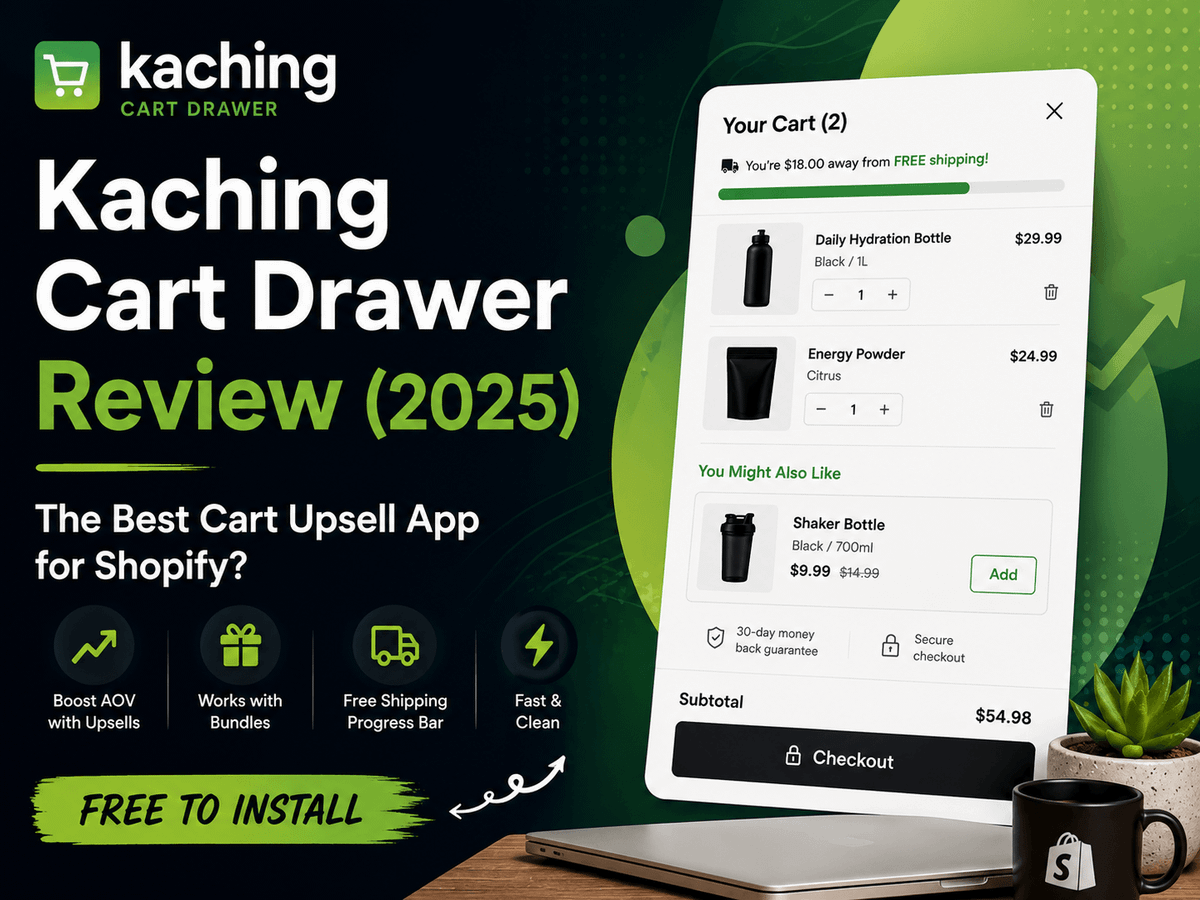
TL;DR Kaching Cart Drawer replaces your default Shopify cart with a fast slide cart that layers in upsells, a free shipping bar, and trust badges — all before checkout. It gives you direct control over which products appear as upsells in the cart, something Shopify's native recommendation API doesn't offer. It also reads your active bundle offers and surfaces them to customers who are already showing purchase intent. The free shipping bar didn't work for my specific setup, but the upsell control and bundle awareness alone make it worth considering for most Shopify stores. Score: 8/10.
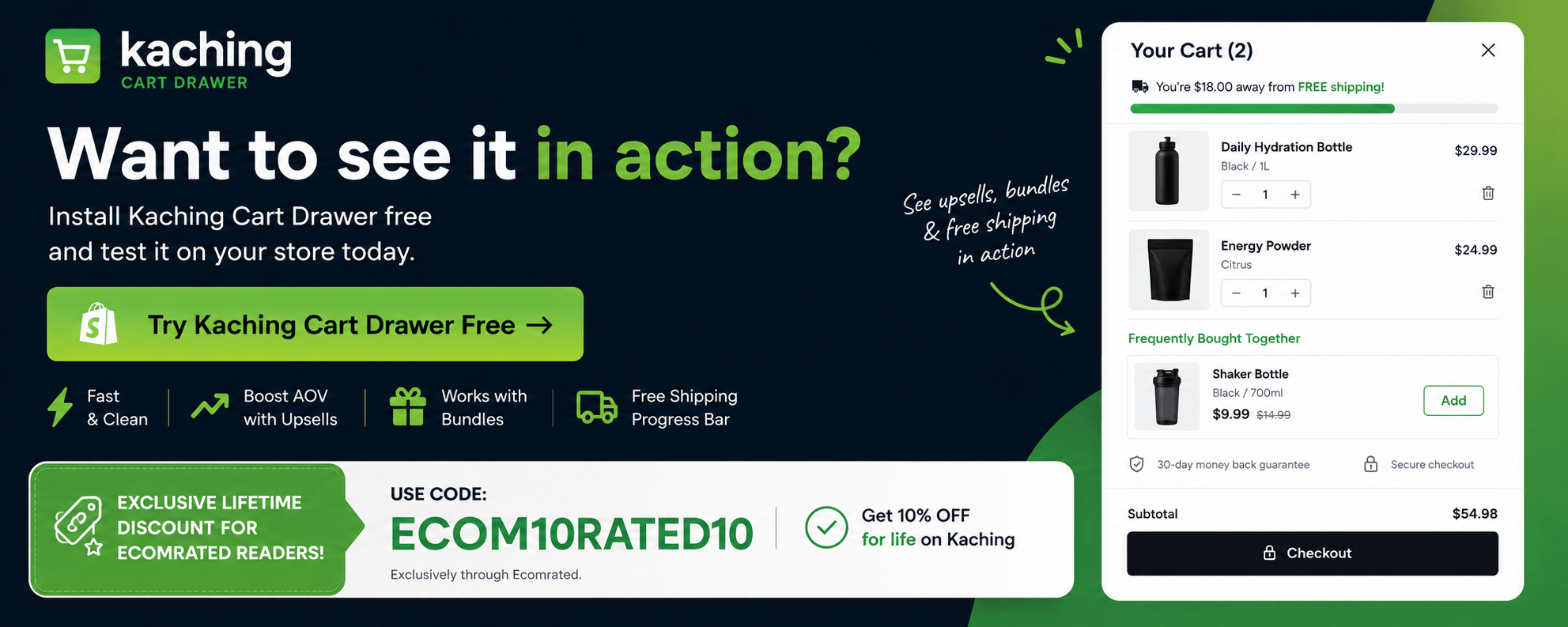
Want to see it in action? Install Kaching Cart Drawer free and test it on your store today:
The Honest Framing
I installed Kaching Cart Drawer when I started bringing in more products at lower price points. The logic was straightforward — lower AOV per product means you need customers to add more to the cart, and a free shipping bar is one of the cleanest ways to create that intent. In practice, the shipping bar didn't move the needle for my store the way I expected, and I ended up uninstalling it. I also have a purchased theme, so I'm currently testing whether that handles the same job well enough on its own.
That said, uninstalling an app because one feature didn't fit your specific situation isn't the same as the app being bad. And two things Kaching Cart Drawer does genuinely well are worth calling out clearly — the control it gives you over upsell recommendations, and the way it reads your bundle offers to surface smarter suggestions at the right moment.
I ran it alongside Kaching Bundles and Kaching Post Purchase Upsell. Here's what I actually found.
What It Does Well
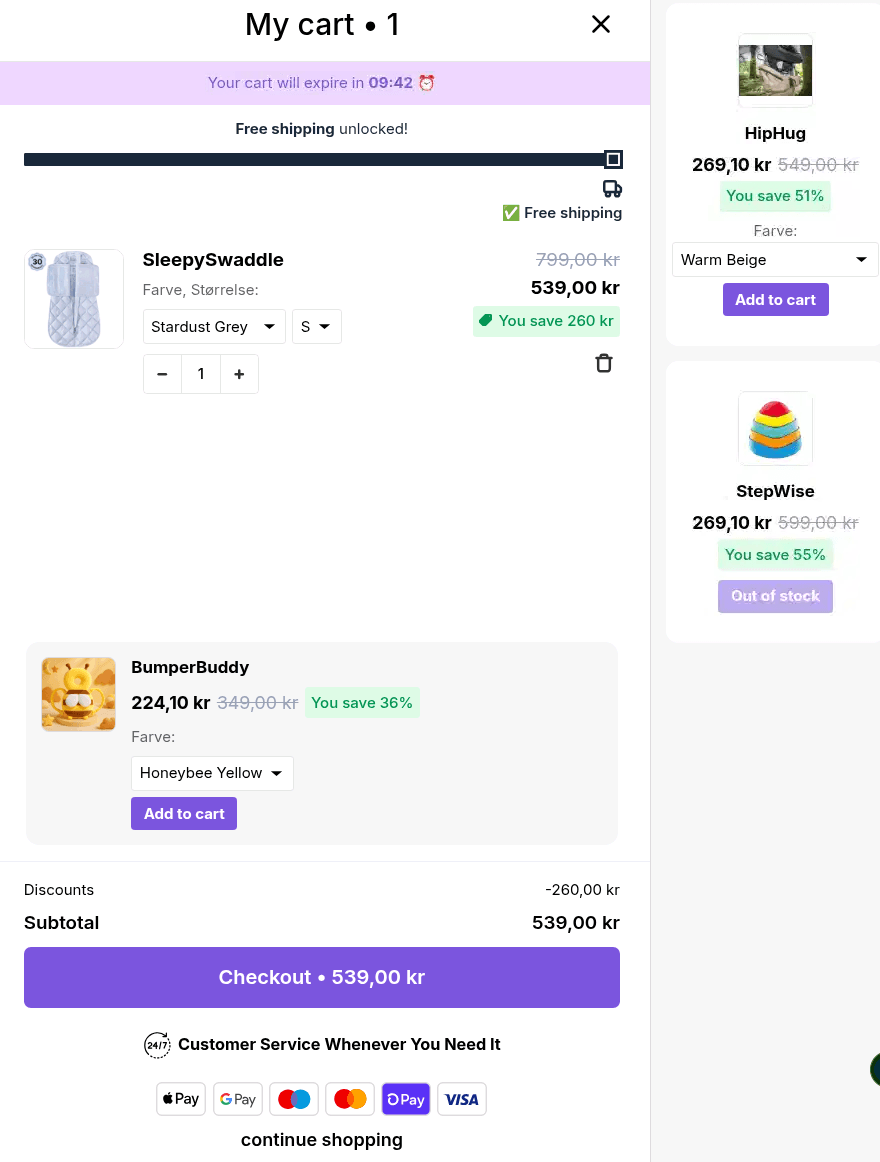
The slide cart is fast and clean
The first thing you notice is that the drawer itself just works. It slides in quickly, renders cleanly on mobile, and doesn't create any of the layout conflicts or z-index issues that cheaper cart apps tend to introduce. On mobile — where most of your traffic is — the experience is smooth. That's not guaranteed with Shopify apps. A slow or broken slide cart will hurt your conversion rate more than no cart app at all. Kaching doesn't have that problem.
In-cart upsells you actually control
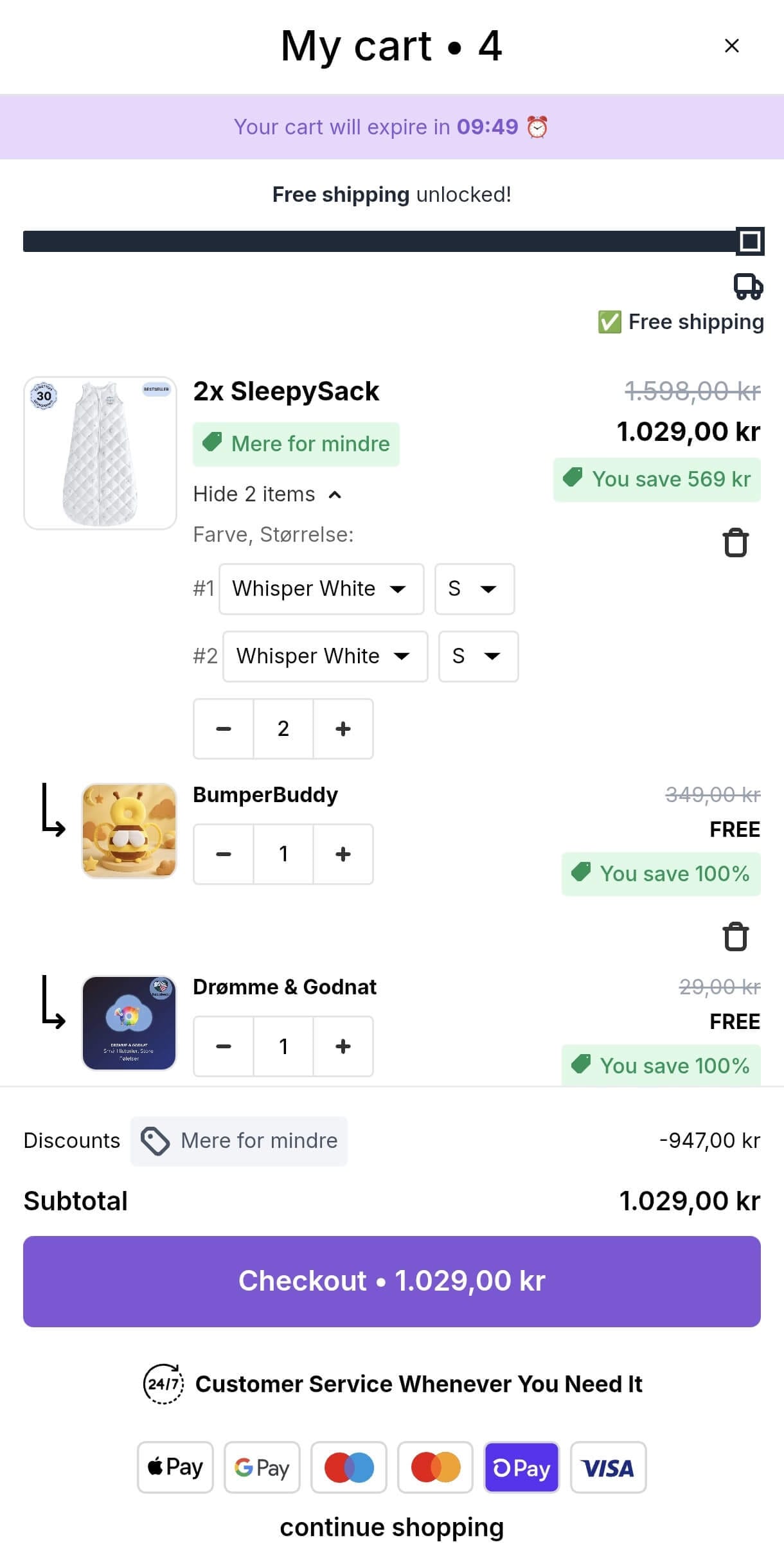
The core cart upsell functionality is well-implemented. You can surface a product recommendation directly inside the slide cart — a complementary item, a low-cost add-on, a variant upgrade — right when the customer is already in buying mode. The placement feels natural. It's not a popup interrupting the flow. It's part of the cart experience itself.
The bigger thing here is control. By default, Shopify's recommendation API decides which products appear as suggestions in your cart — and you have very little say in it. Kaching Cart Drawer takes that out of Shopify's hands and puts it back in yours. You decide what gets recommended, to whom, and under what conditions. For stores with a considered product mix, that control is worth a lot.
It reads your bundle offers
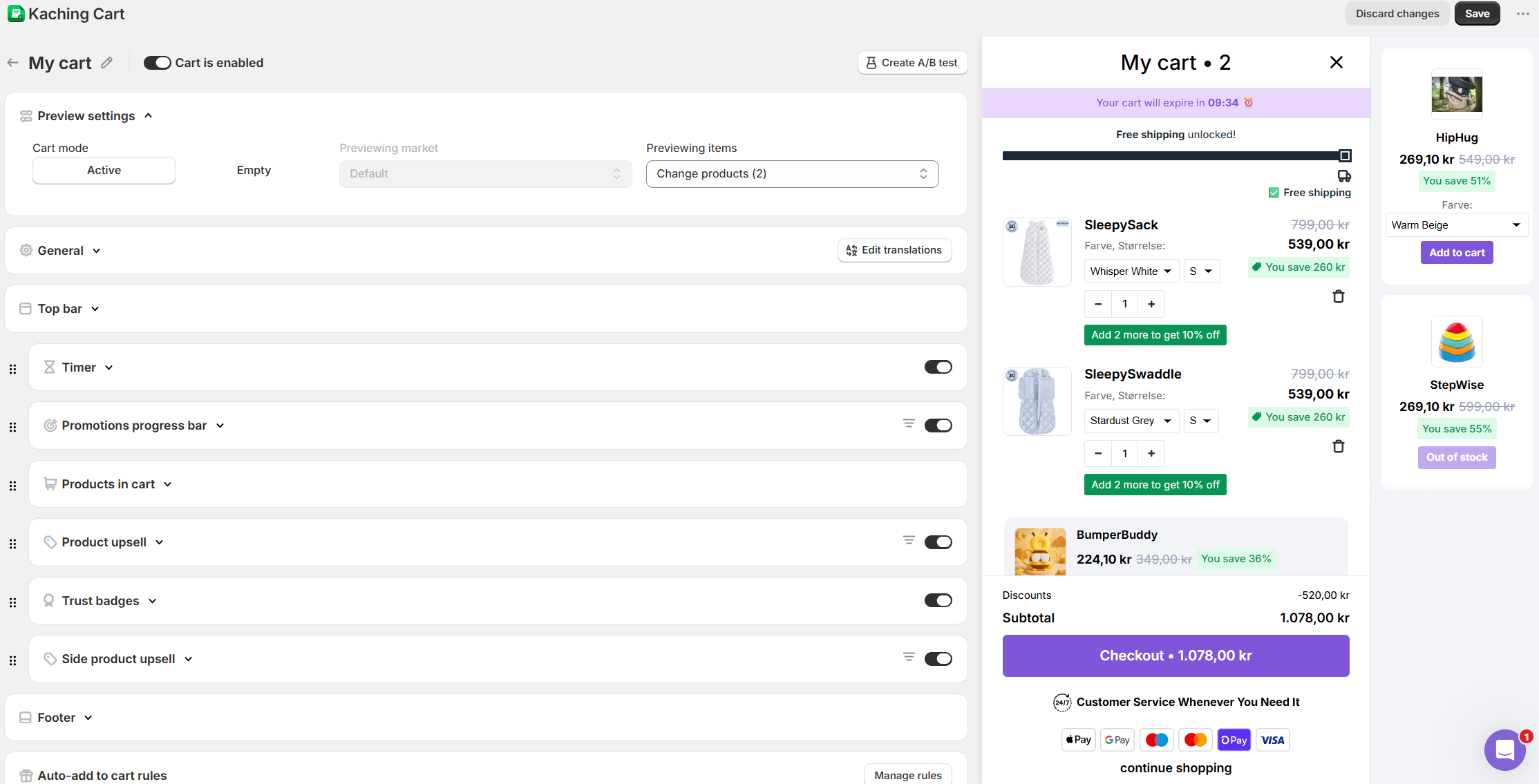
One feature that doesn't get talked about enough: Kaching Cart Drawer reads your active bundle offers. So if a customer has already added a product to the cart and you have a bundle deal that applies, the drawer can surface that offer directly — meeting the customer at the exact moment they're showing purchasing intent. That's a smarter upsell than a generic "you might also like" recommendation, and it's something most cart apps don't do.
Free shipping bar — effective, but context-dependent
The free shipping progress bar is one of the most proven nudges in ecommerce. "You're €8 away from free shipping" prompts customers to add something small just to hit the threshold. Kaching Cart Drawer includes this natively and it's simple to configure against your actual cutoff.
One honest caveat: the shipping bar didn't work for my store. I brought in lower-priced products and expected the bar to drive customers toward the free shipping threshold — but it didn't translate into meaningful AOV lift in that context. It's possible my price points made the threshold feel too far away, or that my customer base just didn't respond to it the way I expected. The feature works — it just didn't work for my specific situation. Your mileage will vary depending on your product mix and price range.
Trust badges at a high-intent moment
You can add trust badge icons inside the cart — secure checkout, money-back guarantee, free returns. Small detail, but it reduces hesitation right at the moment the customer is closest to buying. Worth having.
Clean fit with the rest of the Kaching stack
If you're already using Kaching Bundles or Kaching Post Purchase Upsell, the Cart Drawer slots in cleanly. No conflicting scripts, no separate dashboards for each touchpoint. The Kaching suite is designed to work as a system, and that shows in practice.
What It Doesn't Do As Well
Upsell logic has limits
If you need granular conditional rules — "show product X when cart contains product Y and total exceeds €75 and customer is not tagged wholesale" — Kaching Cart Drawer isn't built for that. It's a cart app with upsell features, not a dedicated upsell engine. For complex merchandising logic, Bold Upsell gives you more control.
Customization has a ceiling
Styling options cover the basics — colors, buttons, fonts. For most stores that's enough. But if you're on a heavily customized theme or want pixel-level design control, you may need to touch code. Not a dealbreaker, but worth knowing.
In-app analytics are basic
The built-in reporting gives you directional data — conversions, revenue attributed to the drawer. It's useful for quick checks but not forensic analysis. If you're running Triple Whale, validate what Kaching reports against your actual attribution data.
Pre-checkout only
The cart drawer captures intent before checkout. It doesn't extend into the post-purchase flow. For a complete cart upsell setup on Shopify, you'd want Kaching Post Purchase Upsell running alongside it to cover the full funnel.
Who It's For
- Shopify stores on any plan still using the default cart experience
- Stores that want direct control over cart upsell recommendations instead of relying on Shopify's API
- Stores with active bundle offers that want to surface them at the cart stage
- Operators already running Kaching apps who want a consistent, non-overlapping upsell stack
- Stores with mid-range AOV where the free shipping bar can close a realistic gap
Who It's Not For
- Stores with low-priced products relying solely on the shipping bar to lift AOV — the bar works better when the threshold gap feels achievable, not like a stretch
- Stores needing complex upsell rule logic — look at Bold Upsell or a dedicated upsell app
- Headless or heavily custom Shopify builds — test thoroughly before committing
- Stores that have already built a custom slide cart with upsells baked in — incremental value is lower
My Verdict
Kaching Cart Drawer is a focused, well-executed cart upsell app for Shopify. It replaces a weak default cart experience with something faster, cleaner, and more persuasive — and it gives you back control over what your customers actually see in the cart.
The upsell control is the real value here. Shopify's recommendation API is a black box. Kaching Cart Drawer opens it up. Add in the bundle awareness feature and you have a cart that's actively working with your merchandising strategy rather than ignoring it.
The free shipping bar didn't deliver for my store in my specific context — lower price points, tight threshold gap. That's an honest result and worth knowing before you install. But it's one feature, not the whole app.
For most Shopify operators, especially those already in the Kaching ecosystem, this earns its place.
Score: 8/10
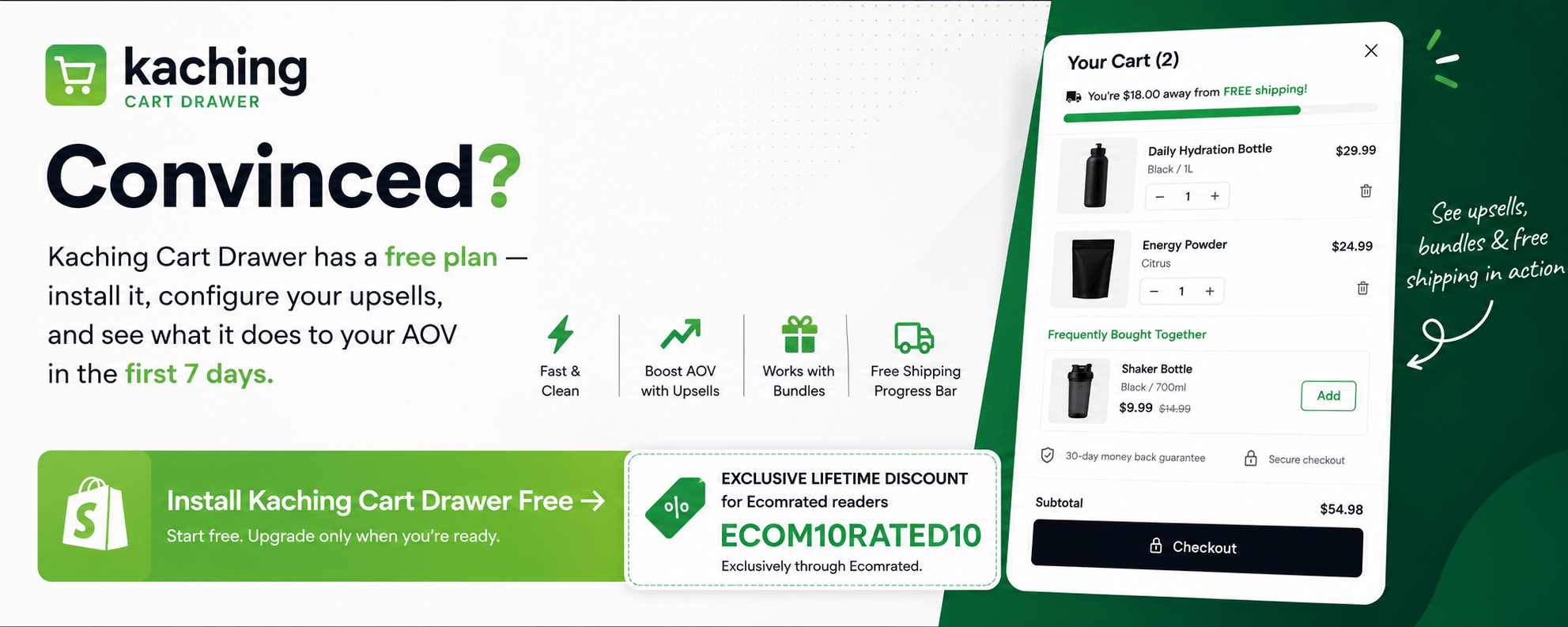
Convinced? Kaching Cart Drawer has a free plan — install it, configure your upsells, and see what it does to your AOV in the first 7 days:
| Feature | Kaching Cart Drawer | iCart | Bold Upsell |
|---|---|---|---|
| Slide cart / drawer UI | ✅ | ✅ | ❌ |
| In-cart upsells | ✅ | ✅ | ✅ |
| Manual upsell control | ✅ | ✅ | ✅ |
| Bundle offer awareness | ✅ | ❌ | ❌ |
| Free shipping bar | ✅ | ✅ | ❌ |
| Trust badges | ✅ | ✅ | ❌ |
| Advanced upsell rules | Limited | Moderate | ✅ Strong |
| Kaching ecosystem fit | ✅ Native | ❌ | ❌ |
| Free plan available | ✅ | ✅ | ✅ |
The Bottom Line
If your Shopify cart is still the default experience, you're leaving money on the table at the highest-intent moment in your funnel. Kaching Cart Drawer fixes that with a clean slide cart, direct control over your upsell recommendations, and bundle awareness that makes your cart actively work with your merchandising strategy instead of against it.
It pairs naturally with Kaching Bundles to increase AOV earlier in the funnel, and with Kaching Post Purchase Upsell to capture revenue after checkout. Run all three and you have a complete, non-overlapping upsell stack covering every major touchpoint.
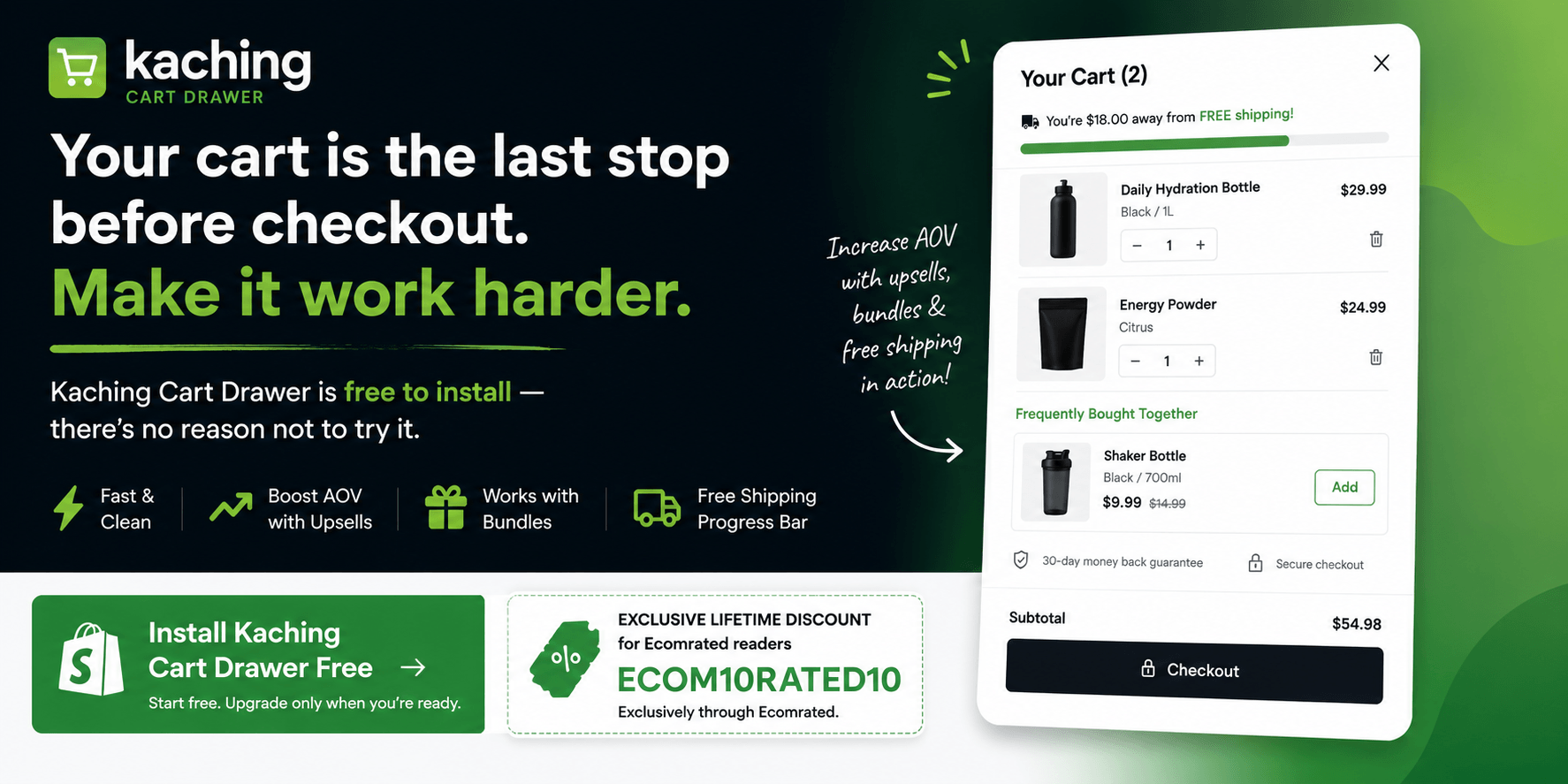
Your cart is the last stop before checkout. Make it work harder. Kaching Cart Drawer is free to install — there's no reason not to try it.
FAQ
Is Kaching Cart Drawer the best cart upsell app for Shopify?
For most standard Shopify stores — especially those already using other Kaching apps — it's one of the strongest options available. The manual upsell control alone makes it stand out: instead of letting Shopify's recommendation API decide what appears in your cart, you choose. If you also need advanced rule-based logic, Bold Upsell gives you more. But for straightforward, controlled cart upsell on Shopify, Kaching Cart Drawer delivers.
Does the free shipping bar actually increase AOV?
It depends on your store. For stores with a mid-range AOV and a free shipping threshold that feels achievable, it's one of the most reliable nudges in ecommerce. In my own experience, I installed Kaching Cart Drawer specifically to use the shipping bar after expanding into lower-priced products — and it didn't produce the lift I was looking for. I ended up uninstalling. If your price points are low and the free shipping threshold feels like a stretch, the bar may not be enough on its own. Test it against your actual numbers before committing.
Is Kaching Cart Drawer free?
There is a free plan available with core features. Paid plans unlock additional upsell functionality, advanced styling options, and higher usage limits. The free tier is enough to test whether it works for your store before upgrading.
Does it work with all Shopify themes?
It's compatible with most standard Shopify themes including Dawn and other OS 2.0 themes. If you're on a purchased or heavily customized theme, test in a development environment first to check for conflicts — and consider whether your theme's built-in cart already handles some of this functionality.
How does Kaching Cart Drawer compare to iCart?
Both are solid slide cart apps for Shopify with similar core features — in-cart upsells, free shipping bar, trust badges. The key differentiator is that Kaching Cart Drawer reads your active bundle offers and surfaces them inside the cart. iCart doesn't do that. Kaching also wins on ecosystem fit if you're running Kaching Bundles or Kaching Post Purchase Upsell alongside it.
Will a cart upsell app slow down my Shopify store?
Kaching Cart Drawer is lightweight and didn't produce any noticeable speed impact in my usage. That said, run a PageSpeed check before and after installation to confirm it's clean on your specific setup — especially if you're on a purchased theme with existing scripts running.